Drop a File
From Just the Shell.
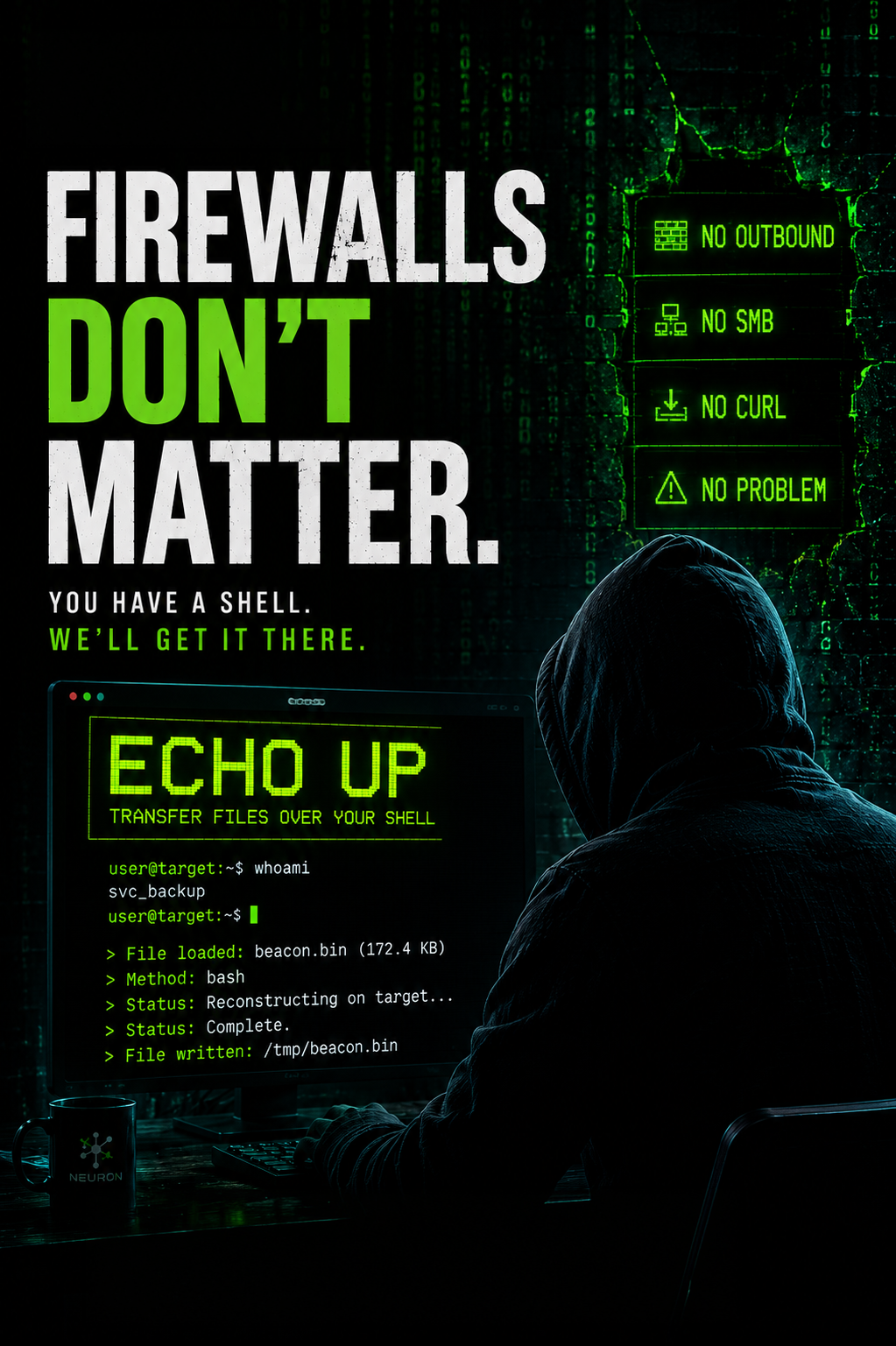
No outbound, no SMB, no curl. Echo Up turns the file on your laptop into a single command you paste into the shell you already have. The remote machine reconstructs it from nothing but what you typed.
Your Kit Is on the
Wrong Side of the Connection.
You have a shell on a target box. No outbound, no SMB, no curl. You need to drop a file on disk and the network will not help.
The work that mattered is already done. You picked the path, stayed quiet, got the shell.
Now your kit is on the wrong side of the connection. The recon scripts, the beacon, the obfuscated payload, all sitting on your laptop while the box that needs them sits behind a firewall that will not let it reach back.
Open a side channel and you light up every detection your client paid for.
Echo Up. Built Into Neuron.
Echo Up turns any file into a paste-ready command for the shell context you are already in. Base64 under the hood, so binaries work the same as scripts. No callback, no staging server, no new traffic for the SOC to flag.
Bash, CMD, and PowerShell Base64 Modes
Pick the shell you are in. The output is tuned to its quoting rules and its base64 decoder. Binaries reconstruct the same as scripts.
No Callback, No Staging Server
The file moves through the shell you already have. Nothing new goes on the wire. No second-stage download for the SOC to flag.
Shell Escaping Handled For You
Quotes, newlines, backslashes, and dollar signs are escaped to match the target shell. The command you paste is the command that runs.
Quoted-Echo Variants for Stripped-Down Boxes
When base64 is not on the target, fall back to single-quoted, double-quoted, or no-quote echo chains. Multi-line for readability, single-line when you need one paste.
Load a Local File. Destination Auto-Fills.
Drag in the recon script, the beacon, the payload. The destination filename pre-populates. Switch the encoding mode and the command regenerates in place.
One-Click Copy Into Your Shell
Hit Copy. Switch to your shell. Paste. The remote machine reconstructs the file from nothing but what you typed.
Load. Pick. Paste.
Three steps from the file on your laptop to the file on the target.
Load the File Into Echo Up
Choose a file from your machine or paste contents directly. The destination filename fills in automatically.
Pick Bash, CMD, or PowerShell
Match the shell you are in. Quoted-echo fallbacks are there for targets without a base64 decoder.
Paste Into Your Shell
Copy the generated command, paste it into the shell you already have, and the file lands on the remote box.
More Feature Spotlights
Playbooks
Run your methodology against an assessment and track coverage as the work happens. OWASP WSTG, PTES, NIST 800-115, or your own.
Retests
A retest as a record. Independent dates, scope, ownership, and evidence trail per round.
Track Changes
Inline track changes on findings and briefs, attributed and timestamped. Approval blocked until resolved.
Briefs
The library for executive summaries, scope, and methodology. AI first pass on your engagement data.
Engagement Scheduling
The schedule lives where your engagements live. Drag to move, drop to reassign.
Findings Library
AI that pulls from your team's approved library instead of generating from scratch.
AI Reporting
On-premise AI for pentest reporting. Inference stays inside your network.
QA Pipeline
Finding-level QA built into the engagement workflow.
Workflow Integrations
Push findings into Jira and ServiceNow.
Collaborative AD Graphing
Multiple testers on one AD attack graph.
AD Attack Paths
Per-engagement AD datasets and attack graphs.
Client Portal
Structured finding delivery with live visibility.
Ready to Transform Your Security Practice?
See how Neuron helps security teams replace fragmented tools with a single platform for offensive security—bringing structure, visibility, and consistency to every engagement.
Platform