Neuron AI every section it drafts says so
Know whose words you're signing.
The finding reads well. Your name goes on it either way. Neuron AI marks every section it writes until a reviewer approves the finding, so you know which words to check before you sign.
When a tester edits a draft, you see what the model wrote beside what the tester changed.
A fluent draft doesn't show you where it's wrong
It's late, the report goes out in the morning, and the finding in front of you reads well. Clean structure, confident impact, a fix that sounds right.
A reviewer learns the shape of a tester's slips. A model's are new specifics, stated as confidently as everything around them: a mitigation the framework doesn't offer, a reference to a page that never said it, a consequence nobody tested. Every claim still gets checked against the evidence. The question is where to look hardest when the queue is long.
That answer starts with knowing which parts the model wrote.
Which parts did the AI write?
Every section Neuron AI drafts carries a Neuron AI label in the finding. Sections pulled from your findings library name the entry they came from, and imported scanner text says Scanner. Text a tester writes from scratch carries no label at all.
The labels sit in the draft, where the reviewer reads. Nobody has to remember which paragraphs came from where, or leave a comment to say so.

What did the tester change?
Then a tester edits the draft: names the client's systems, tightens the impact, cuts a claim that doesn't hold. After that, the section reads as one voice, and you can't tell which sentences are still the model's.
In Neuron the label turns Neuron AI · edited. Click it and the model's original opens beside the current text, every removed word struck through and every added word marked. You see the tester's judgement and the model's wording apart, then check each against the evidence.

Who signs it off?
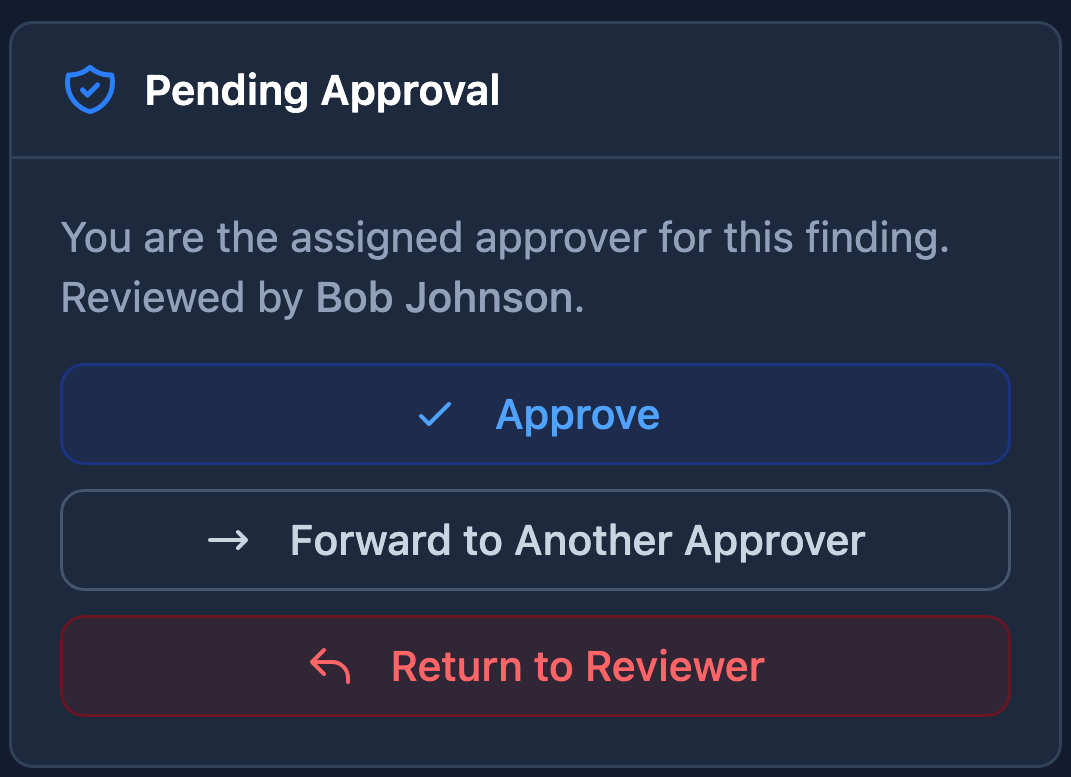
A tester can't review or approve the finding they submitted. It goes to a reviewer, and on teams that add an approval step, on to an approver. The labels stay in place through every step, edited or not.
The labels come off when the finding is approved. By then a named approver has accepted every word, the model's included, and the finding's QA history shows who. When a client asks whether a qualified person reviews what the AI drafts, that's the answer.
What you tell a client about AI use is set by their contract and your own AI policy. Neuron doesn't decide it for you. The full review flow is on the QA pipeline page.
Where does the client's data go?
Only where you put it. Neuron AI runs on infrastructure your team controls, on the same machine as Neuron or one of its own. Drafts, prompts and the evidence a tester pastes in go to that model, not to a third-party AI provider, and it runs in air-gapped deployments too.
Admins see every Neuron AI run: who started it, what it was for, and how it went.
Is the model good enough for client work?
Find out on test cases, not on a client's report. Before a model drafts client work, run it against invented findings on your own infrastructure and see where it slips: facts it ignores, answers it cuts short, sections it breaks. Run it again before you switch models.
A benchmark tells you what to watch for. The labels tell you where to look.
What does it draft?
- Findings from a line of notes, a host or a port, in your team's own sections and the engagement's language. The tester sees the draft before the finding exists.
- Where your library already holds an approved write-up, the tester keeps that vetted wording field by field, and the section names the entry it came from (how the findings library works).
- Executive summaries drafted from the engagement's own data (drafting the executive summary).
Questions before you roll it out
- What if a client's contract rules out AI?
- Neuron AI drafts only when a tester asks it to, and a finding written by hand carries no AI label. Admins see every Neuron AI run and who started it.
- Can we decide which sections the AI drafts?
- Yes, field by field. Admins choose the sections, give each one its own instructions, and can let approved library text win over the model's.
- Can different jobs use different models?
- Yes. Finding drafts, executive summaries and other AI jobs can each go to their own model.
Writing a pentest finding with AI, with the network cable unplugged
More Feature Spotlights
Neuron CLI
Every command logged to the timeline. Scanner output and C2 activity imported as you work.
Playbooks
Run your methodology against an assessment and track coverage as the work happens. OWASP WSTG, PTES, NIST 800-115, or your own.
Retests
A retest as a record. Independent dates, scope, ownership, and evidence trail per round.
Echo Up
Drop files onto a target box from just the shell you already have. Bash, CMD, or PowerShell.
Track Changes
Inline track changes on findings and briefs, attributed and timestamped. Approval blocked until resolved.
Briefs
The library for executive summaries, scope, and methodology. AI first pass on your engagement data.
Engagement Scheduling
The schedule lives where your engagements live. Drag to move, drop to reassign.
Findings Library
AI that pulls from your team's approved library instead of generating from scratch.
AI Reporting
On-premise AI for pentest reporting. Inference stays inside your network.
QA Pipeline
Finding-level QA built into the engagement workflow.
Workflow Integrations
Push findings into Jira and ServiceNow.
Collaborative AD Graphing
Multiple testers on one AD attack graph.
Ready to Transform Your Security Practice?
See how Neuron helps security teams replace fragmented tools with a single platform for offensive security, bringing structure, visibility, and consistency to every engagement.
Platform